Terrified of Chasing Unpaid Invoices? You Need a System (Or a Robot)
Let’s be honest about something almost nobody in small business admits out loud: chasing up money is terrifying. Not “public
Accounts receivable is the money customers owe you for work you’ve already done. Every day it sits unpaid is a day it isn’t in your bank account — which is why bookkeepers, office admins and business owners learn it as a proper skill, not something you pick up by accident.
Learn it the way EzyLearn students do: inside real Xero courses, MYOB courses and QuickBooks Online courses, working through the same invoices, ageing reports and awkward follow-up emails a real small business deals with.
Accounts receivable, or AR, is the asset account that tracks money owed to a business by its customers — invoiced but not yet collected. It sits alongside accounts payable, the money a business owes everyone else, and together they’re the two sides of what bookkeepers call credit control.
In practice, AR work looks like: setting payment terms, entering invoices, sending statements, watching an ageing report, and — eventually — chasing the customers who’ve gone quiet. None of it is complicated on its own. What makes it a real skill is doing it consistently, in the software a business actually uses.
An invoice you’ve sent is a promise someone else made you. Accounts receivable is the discipline of following up on that promise before it’s forgotten.
This is the sequence every AR course walks you through, using a real trading business as the case study rather than a blank set of practice data.
Decide upfront whether a customer pays on the spot, on delivery, or within a set number of days — and whether that’s set at the system, customer or transaction level.
A quote becomes an invoice the moment the customer says yes, without re-typing a single line — the fast path from “interested” to “on the books”.
The invoice states what’s owed; the monthly statement reminds a customer of everything still open across every invoice.
An ageing report groups what’s owed by how overdue it is — current, 30, 60, 90 days — so you know exactly who to call first.
Credit management is the polite, persistent follow-up on anything sitting past its terms, plus the record-keeping that goes with it.
A payment gets recorded against the right invoice, moved into the bank account, and reconciled — closing the loop from quote to cash.
Same skills, three different programs. Each manual walks a real business scenario — quoting, invoicing, chasing payment, banking it — inside the software you’ll be expected to know on the job.
Daily transactions, invoicing, accounts receivable and payable, and credit control and reporting — built around Xero’s own workflow from quote through to payment.
Data entry and credit management inside MYOB AccountRight — invoicing, receiving payments, and running the accounts receivable reports that show who still owes you.
View the MYOB AccountRight manual
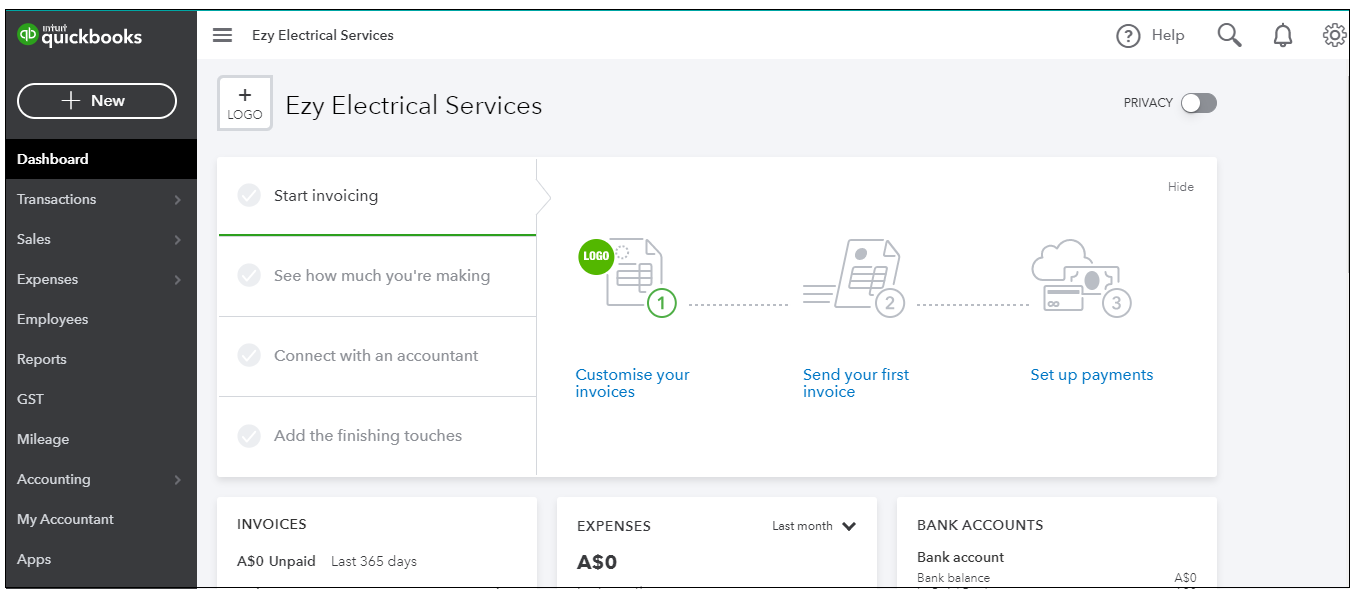
Quoting, invoicing, receiving payments and ageing reports inside QuickBooks Online, plus the accrual-versus-cash concepts that trip up a lot of new bookkeepers.
Every EzyLearn manual is worked through a real trading business rather than an empty set of software defaults. You’ll enter genuine quotes, chase a genuine overdue invoice, and untangle a genuine messy set of books — the same way you would in an actual bookkeeping or office admin role.
Each workbook is yours to download, print and keep. Work through it at your own pace, and if you decide to go further, EzyLearn’s short courses and Bookkeeping Academy build on exactly the same case studies.
Get the free accounts receivable sample, or talk it through with a course advisor before you decide which software to start with.
Let’s be honest about something almost nobody in small business admits out loud: chasing up money is terrifying. Not “public
It had to happen eventually. There’s now an AI that will phone your customers to chase up unpaid invoices politely,
Keeping your books clean just got a whole lot easier. EzyLearn has released new and updated training content to two
Reconciling Your Accounts Daily Gives a True Picture of Cash Flow For a lot of business owners, just the thought

The constant need for some companies to continue to grow revenue or subscriber numbers can make the employees do things
It certainly is an interesting time we’re going through financially. Most of us (around the world) are hurting because of
The end of the calendar year, school holidays, summer and Christmas all combine to give us all a break from
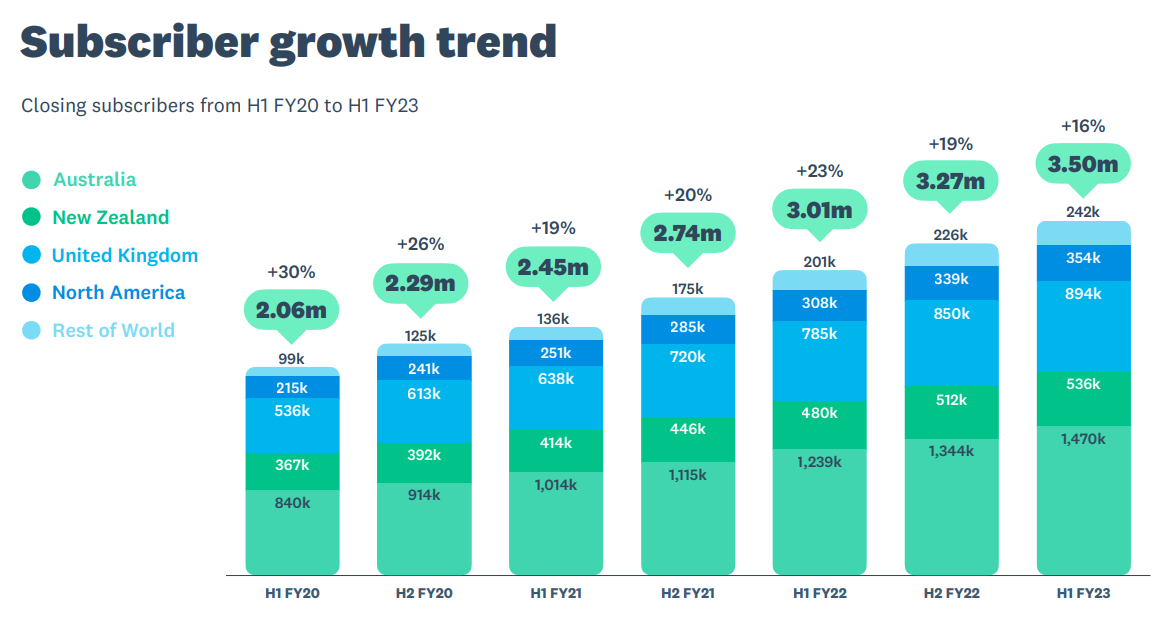
Xero have just announced their financial and performance results and the headline figures show strong subscriber growth all over the
There are dozens of new office admin & bookkeeping job ads EVERY day, even for remote workers! Find out how
Bookkeeping is an essential part of business, not just to keep track of financial activities for the business’ sake, but
Invoices can be a hassle for both businesses and their clients. There’s nothing fun about chasing up that client about
It’s not a secret that in order to stay afloat businesses need to be making money. Access to funds is
The pandemic has seen huge changes to the way businesses run, with Zoom meetings and remote working becoming the new
With so many integrations, Xero has become a leading software for small business accounting. From ecommerce add-ons to payroll and
If you have worked in an office you know how frustrating IT issues are. If you are now working from